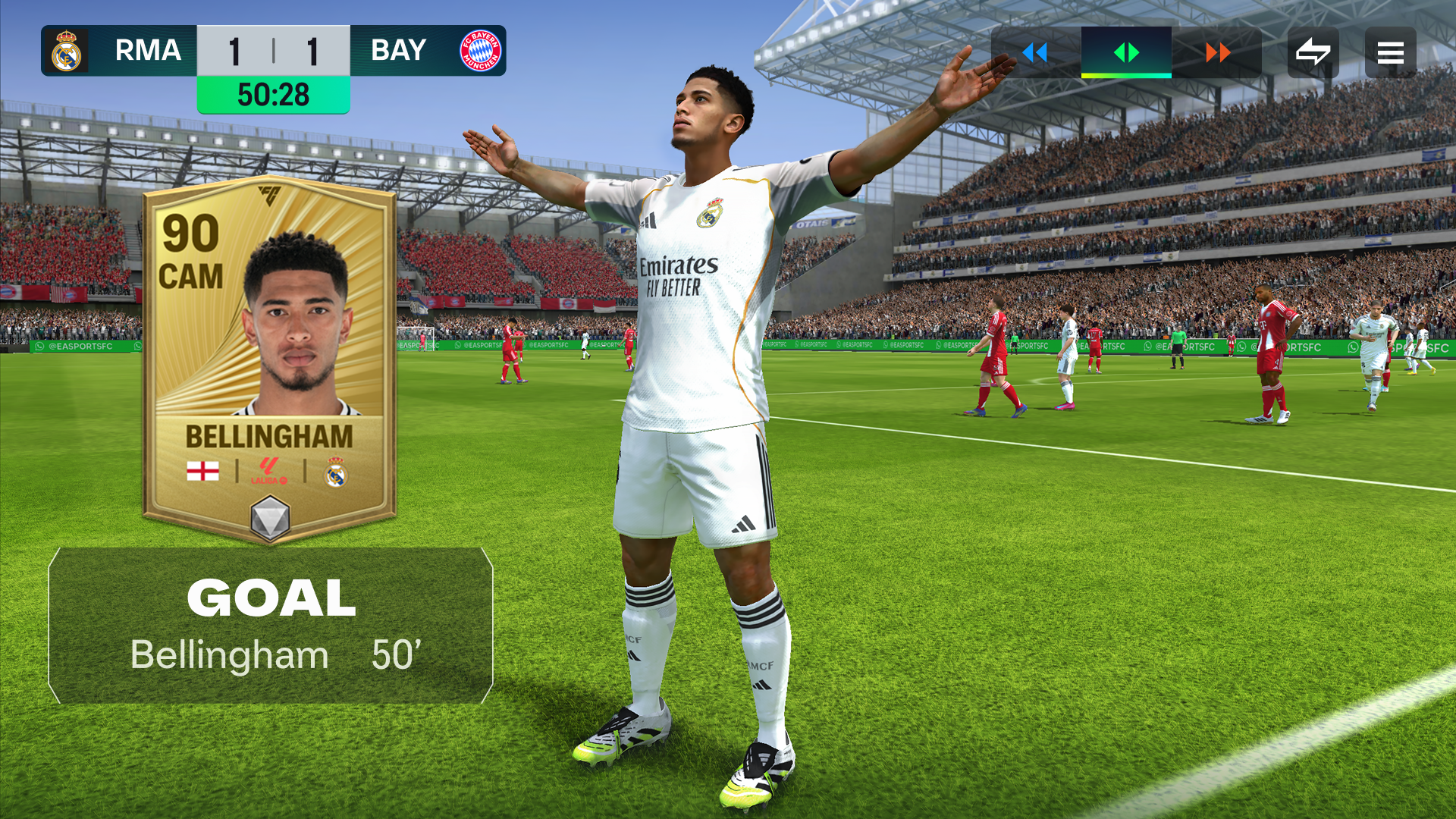
How to Fix Defenders Rushing Out in FC Mobile 26
Are you absolutely tired of smashing your phone because your center-backs suddenly decide they want to play striker?
Picture this: You are defending perfectly in a super tight Head-to-Head (H2H) match in FC Mobile 26. The score is tied. The tension is high. Suddenly, without you even pressing a single button, your star center-back rushes out of the defensive line like a heat-seeking missile. He completely misses the ball, leaving a massive, gaping hole in your defense. One simple through-ball later, your opponent scores an easy goal.
If this sounds familiar, you are definitely not alone! Millions of gamers are deeply frustrated by defenders rushing out of position. It feels unfair. Many players even think the game is just “scripted” against them and that the computer wants them to lose.
But here is the massive secret that the top professional players know: It is not a random glitch, and it is not a script. It is a specific game mechanic that you can learn to control.
In this ultimate, easy-to-read guide, we are going to fix your defense permanently. We will uncover exactly why the computer pulls your players out of position, the secret pro settings you need to use right now, and a few mind-blowing tricks (like the legendary “Logic Rush”) that will make your defense an impenetrable brick wall.
Let’s dive in and fix your defenders rushing out in FC Mobile 26 once and for all!
The Truth About Defenders Rushing Out (Debunking the Scripting Myth)
Before we fix the problem, we have to understand why it happens in the first place. When a defender steps out of line and costs you a match, it is easy to blame the game.
However, in the newest updates for FC Mobile 26, the developers at EA Sports actually changed how defensive artificial intelligence (AI) reacts to attackers. To make the game more exciting and create more goals, the developers slightly reduced the reaction times of AI defenders when they are marking a player. Furthermore, if an AI-controlled defender is looking directly at an attacker, the game’s code sometimes triggers an automatic “press” to try and win the ball for you.
While the game does try to help, the biggest reason your defenders rush out is actually caused by your own right thumb. It is a hidden mechanic known as the “Magnet Effect.”
Fix #1: Defeating the “Magnet Effect” with the Joystick Rule
In FC Mobile, the “Sprint” and “Tackle” actions share the exact same button on your screen. This is where the disaster happens.
When you hold down the Sprint & Tackle button, you are telling the game’s computer, “Lock onto the player with the ball and attack them immediately!” The game creates an invisible magnet between your defender and the ball. If the attacker quickly changes direction, or does a skill move, your defender’s momentum pulls them totally out of position before you can even react. Even if you let go of the button, there is a delay before the defender recovers.
If you want to reach the FC Champion rank, you have to break your worst habit: holding down that button.
The Golden Joystick Rule: When an attacker is running directly at your defensive line, take your thumb completely off the Sprint & Tackle button. Do not touch it!
Instead, use only your directional joystick to control your defender. Backpedal slowly. Keep your defender positioned directly between the attacker and your goalkeeper, staying about one or two player lengths away. By only using the joystick, your defender stays perfectly balanced. They will not lunge forward, and they will not rush out of the defensive line.
When should you actually use the sprint button? You should only hold the sprint button if the attacker is already past you and you have to chase them down from behind. Otherwise, let go of sprint and trust your joystick!
Fix #2: Master the “Anchor & Reset” Trick
Even if you follow the Joystick Rule perfectly, sometimes the game’s computer will still make a defender step forward on its own because it senses danger. When you see your center-back step out of the line, do not panic. Do not press the tackle button. Instead, use the Anchor & Reset Trick.
Here is the exact step-by-step method to fix the broken defensive line:
- Quick Switch: Instantly switch your cursor to the defender who is rushing out.
- Pull Back: Flick your joystick straight back toward your own goalkeeper for just half a second. Do not press anything else.
- Switch Away: Once the defender is stepping backward and anchoring back into the defensive line, immediately switch your control back to one of your midfielders.
By pulling the joystick backward for just a split second, you cancel the computer’s aggressive forward momentum. You “reset” the defender, allowing the defensive line to snap back into a perfect, flat wall.
Fix #3: Stop the “Invisible Pass and Go”
Have you ever noticed your fullbacks (your Left Back or Right Back) randomly sprinting all the way up the field, leaving your wings completely exposed to easy counter-attacks? This happens because of a highly frustrating mechanic called the “Invisible Pass and Go.”
When you make a simple pass with a defender, and that defender’s body is facing directly toward the player receiving the ball, the game thinks you want to initiate a fast counter-attack. The computer will automatically send the passing defender on a full-speed forward run.
How to fix it: Before you pass the ball out of your defense, take a tiny touch with your joystick to turn your player’s body slightly away from the target. Or, simply hold the ball for one extra second before you make the pass. This simple pause breaks the automatic trigger, keeping your fullbacks safely anchored in their defensive positions.
Fix #4: The CDM Drag-Back Method (Never Touch Your CBs!)
The absolute fastest way to ruin your defensive shape is by panic-switching. When the opponent gets near your penalty box, your brain naturally wants to select your closest center-back (CB) to make a massive, heroic tackle. Do not do this!
Pro players almost never select their center-backs. If you select your CB, rush forward, and miss the tackle, it is game over. Instead, you need to use the CDM Drag-Back method.
When you lose the ball, immediately switch to your Central Defensive Midfielder (CDM) or a central midfielder. Use that midfielder to sprint all the way back toward your own penalty box. Chase the attacker from behind using your midfielder, and let the computer control your center-backs. The computer is actually incredibly smart at keeping the defensive line perfectly straight as long as you do not interfere with it!
Remember this golden rule: Bad defenders chase the ball. Good defenders protect the space. Let your midfielders do the dirty work while your defense stays perfectly organized.
Fix #5: Use the Best Defensive Game Settings
If your game settings are wrong, your players will always act crazy. To stop defenders from rushing out, you need to change your settings to match what the professional esports players use. Go to your game settings menu right now and apply these exact tweaks:
- Auto Switching: Change this to “Air Balls & Loose Balls”. If you leave this setting on Full Auto, the game will constantly switch your player for you, pulling random defenders out of position without your permission.
- Auto Switching Move Assistance: Set this to “None”. This stops players from continuing to run in the wrong direction after you switch to them.
- Defending Style: Use “Tactical Defending” instead of Advanced Defending. Tactical Defending is like driving an automatic car; it allows the computer to help you make smarter decisions on whether to stand-tackle or physically push the opponent. Advanced Defending requires perfect timing, and if you mess up, your defender will fly out of position.
- Clearance Assistance: Set to “Directional”. This ensures your defenders clear the ball exactly where you aim your joystick, rather than randomly blasting it back to the opponent’s attackers.
- Right Stick Switching Reference: Set this to “Player Relative”. This makes switching to the correct defender much more consistent.
Fix #6: Choose the Best Formations for Defensive Stability
You cannot fix your defense if your players are set up to fail. Using wildly aggressive formations will naturally leave massive gaps in your backline. If you are struggling with defenders rushing out, you need to use formations that provide a natural safety net.
The absolute best formations for defensive stability in FC Mobile 26 are those that feature Central Defensive Midfielders (CDMs).
- The 4-2-3-1 Wide: This is highly considered one of the best overall formations in the game. Having two CDMs sitting directly in front of your four defenders creates a massive wall. When an attacker approaches, you use your two CDMs to press them, allowing your four defenders to stay perfectly in position.
- The 4-5-1 Flat: This formation packs the midfield with bodies. By crowding the center of the pitch, you force your opponent to pass out wide toward the sidelines, protecting your vulnerable center-backs from having to rush out.
- The 4-3-3 Holding: A classic, incredibly reliable setup. The single CDM acts as a shield, while the wingers provide width.
Avoid formations like the 4-2-4 if you are struggling with defense, as it pushes too many players forward and leaves your center-backs totally isolated.
Fix #7: Look for Crucial PlayStyles and Attributes
In FC Mobile 26, the attributes and “PlayStyles” printed on your player cards drastically change how they behave on the pitch. If you are using defenders with the wrong traits, they will naturally want to rush out.
- The Jockey PlayStyle: This is the most important trait for a defender. Players with the Jockey PlayStyle (especially the PlayStyle+ version) have an incredible auto-tackle mechanic. If you hold the Jockey button and stay in front of the attacker, the player will automatically steal the ball without needing to violently lunge forward.
- The Block PlayStyle: Defenders with this trait will stretch their legs to block shots and passes automatically, allowing you to just focus on keeping them in position.
- Sprint Speed Over Everything: A defender needs a high Sprint Speed attribute (ideally 85 or higher). High sprint speed allows a defender to recover quickly if they happen to take a bad step. A lower-rated card with high pace is often much better than a high-rated, slow card.
- Work Rates: Look for center-backs with Low or Medium Attacking Work Rates, and High Defensive Work Rates. This programs their brain to stay back at all costs.
Fix #8: The “Logic Rush” Goalkeeper Trap
Now that your defensive line is fixed, let’s talk about a highly secret trick to use when an attacker actually does slip through your wall. It is an amazing psychological trick called the “Logic Rush.”
When an attacker is on a 1-on-1 breakaway against your goalkeeper, their brain is waiting for you to rush your keeper out so they can easily chip the ball over his head. The Logic Rush trick uses pure psychology to mess up their timing and make them panic. There are three ways to do it:
- The Straight Rush: You hold the “Rush GK” button and let your keeper sprint all the way to the ball. This is standard, but you should use it rarely so you remain unpredictable.
- The Rush and Retreat: You pull your keeper out halfway to scare the attacker into making a decision, but then you swipe down to send the keeper sprinting back to the goal line. The attacker will usually panic and shoot a weak chip shot right into your keeper’s waiting hands!
- The Double Bluff (Rush-Retreat-Rush): You bring the keeper out, send him back for a split second, and then immediately rush him out again. This completely scrambles the opponent’s brain, usually resulting in them missing the timing on their shot or passing the ball straight out of bounds.
Use the Logic Rush to buy your defenders an extra two seconds to sprint back and make a heroic block!
Fix #9: Master the Threat-Impact Rule
The final piece of the puzzle is mastering how and when to switch your players. Professional players use a concept called the Threat-Impact Rule.
This rule is simple: You should only switch to a player who can make an immediate, positive impact on the biggest threat. If your opponent is dribbling in the midfield, they are not an immediate threat to your goal. Therefore, you should not switch to a center-back. You should only switch to a midfielder to contain them.
If you use the “Second Defender Press” button (calling an AI teammate to help you double-team the ball), be extremely careful. Ensure you know exactly which AI player is coming to help. If the game decides to send your center-back to help double-team the ball in the midfield, your defense will be instantly destroyed. Use the Second Defender Press only when the opponent is trapped near the sidelines!
Conclusion: Defense Wins Matches
Fixing your defenders in FC Mobile 26 is not about spending real money to buy the most expensive, 100-OVR Team of the Season (TOTS) cards. It is all about discipline and staying calm.
If you let go of the sprint button, stop panic-switching to your center-backs, fix your auto-switching game settings, and use the Reset Trick when the computer acts up, you will instantly notice a massive difference in your gameplay. Your defense will look like an impenetrable fortress, and you will start climbing the Division Rivals leaderboard faster than ever before.
Stay calm, protect the space, and let your opponent make the mistakes. See you on the pitch!
Frequently Asked Questions (FAQ)
1. Why does my center-back sprint forward during an opponent’s counter-attack? This is caused by the “Magnet Effect” and the game’s built-in AI behavior. If you are holding the Sprint & Tackle button, or if your auto-switching settings are too high, the game forces the defender facing the ball to step out to try and win it. Switch to joystick-only movement and let go of the sprint button to prevent this.
2. Should I use Tactical Defending or Advanced Defending in FC Mobile 26? For 90% of players, Tactical Defending is highly recommended. It acts like an automatic transmission in a car, helping your players make the right type of challenge. Advanced Defending requires perfect manual timing; if you miss the button timing by a fraction of a second, your defender will rush completely out of position.
3. What is the best formation to stop my defense from leaving gaps? Formations that utilize Central Defensive Midfielders (CDMs) are the absolute best for maintaining defensive shape. The 4-2-3-1 Wide or the 4-3-3 Holding are top-tier choices. Having CDMs allows you to drag a midfielder back to defend, meaning your center-backs never have to leave their assigned positions.
4. Do player work rates actually affect defenders rushing out? Yes, work rates do matter, though your button inputs are more important. A center-back with a “High” attacking work rate might step up slightly higher during your team’s attacks. Look for center-backs with a “Low” attacking work rate and a “High” defensive work rate to ensure they naturally want to stay back at all costs.
5. How do I stop my fullbacks from running up the field when I don’t want them to? This is triggered by the “Invisible Pass and Go” mechanic. If your fullback is facing the exact direction of the player they are passing to, the game will send them on a forward run. To fix this, simply take a quick touch with the joystick to change your body angle before passing, or hold the ball for one extra second to reset the AI trigger.
Written by Rahul
A dedicated lore-diver and meta-analyst who breaks down everything from indie visual novels to high-tier esports. Follow him on X/Twitter for daily gaming intel.