The Switch 2 Reality Check: Why You’re Paying $10 More for Plastic, and How to Bypass the Paywalled ‘C’ Button Today
The impending launch of the Nintendo Switch 2, officially scheduled for a global rollout beginning June 5, 2026, presents a massive shift for gamers. But before you rush to drop $449.99 on the console, there are some major behind-the-scenes hardware changes and corporate pricing strategies you need to know about.
Here is the ultimate insider’s guide to navigating the hidden economics of Nintendo’s digital push, the truth about the new screen, and exactly how to take control of your hardware on day one.
The Display Debate: Why Losing OLED Isn’t a Downgrade
Let’s talk about the elephant in the room: the screen. If you’ve been following the Switch 2 rumors, you probably heard the collective internet groan when Nintendo announced they were dropping the beautiful OLED screens and going back to an LCD panel for the new 7.9-inch display.
On paper, it sounds like a massive downgrade. Nobody wants to lose those perfect, deep blacks and super-punchy colors that made games look so good on the older model. But hold up, because the spec sheet tells a completely different story once you actually dig into it.
This isn’t the cheap LCD from the 2017 Switch. Nintendo swapped the OLED for an advanced 1080p LCD that supports HDR10 and—here is the absolute game-changer—a 120Hz refresh rate with Variable Refresh Rate (VRR) technology.
What does that actually mean for you when you’re playing?
- Absolute Smoothness: It means absolute smoothness. If you play fast-paced games, racing games, or competitive shooters, the 60Hz OLED screen of the past could sometimes feel a little choppy, and you might have noticed “screen tearing” when the console struggled to keep up with the action.
- Perfect Syncing: VRR forces the screen and the console to sync up perfectly.
- Zero Stuttering: The result is zero stuttering, ultra-smooth camera panning, and motion clarity that an older OLED simply cannot physically match.
You are trading a little bit of color depth for a massive upgrade in how smooth the game actually feels in your hands. Beyond the screen, the system stays super slim at just 13.9mm, packs 256GB of internal storage, and the new dock finally outputs in native 4K resolution for your TV, complete with its own built-in cooling fan to keep the system from melting down during heavy gaming sessions.
They even redesigned the Joy-Con 2 controllers. Say goodbye to sliding them down plastic rails; they now snap on with a satisfying magnetic latch system, hold a 20-hour battery life (with a 500mAh capacity), and feature an upgraded tactile feedback engine called HD Rumble 2.
Supply Chain Secrets: The Real Reason Physical Games Cost More Now
Now, we need to talk about your wallet, because Nintendo is doing something that is making game collectors incredibly angry. Starting with the launch of Yoshi and the Mysterious Book, Nintendo has officially killed the rule that physical games and digital games have to cost the same amount.
The digital version on the eShop will cost the standard $59.99. But if you want the actual plastic cartridge in a box? That will cost you $69.99. A full ten-dollar premium just to physically own the game.
Nintendo claims this is just because manufacturing and shipping plastic boxes costs money. But let’s look behind the corporate curtain. Why is this happening right now?
It comes down to a massive global shortage in computer memory. The Switch 2 is incredibly powerful, which means the game files are getting massive. Major third-party games like Final Fantasy VII Rebirth have a specific file size of 102.5GB. To put a game that huge onto a physical Switch 2 cartridge, Nintendo has to buy high-capacity NAND flash memory. Thanks to the global boom in artificial intelligence, the contract cost of that specific type of memory has skyrocketed by 33% to 60% this year alone, while DRAM costs jumped by over 40%.
Nintendo refuses to take a loss on these expensive cartridges, so they are passing that cost directly to you. But there is a secondary, much sneakier reason for this pricing shift: it is a calculated behavioral trap. By making the physical copy annoyingly expensive, Nintendo is heavily incentivizing you to buy the digital version. Because their profit margins on digital games are absolutely massive. When you buy digitally, Nintendo doesn’t have to pay for plastic, shipping, warehouse storage, or give a cut of the profits to stores like Walmart or GameStop. They keep almost all of your sixty dollars.
The Digital Ownership Trap
| Software Format | Retail Price (USD) | Corporate Margin Impact | Consumer Long-Term Impact |
| Digital Download (Yoshi) | $59.99 | Highest margin (No manufacturing/retail cuts) | Revocable license; zero resale value |
| Physical Cartridge (Yoshi) | $69.99 | Lower margin (Impacted by +60% NAND memory costs) | Permanent ownership; secondary market resale value |
| Data Source: Consumer Software Pricing Analysis |
If everyone goes digital to save ten bucks, physical games become rare, expensive collector’s items. This slowly kills the used-game market. You won’t be able to borrow a game from a friend, trade it in, or buy it cheap on the secondary market. Furthermore, when you buy digital, you don’t actually own the game; you just own a license that the company can revoke whenever they shut down their servers.
This has sparked a massive online movement called the “Physical Disc Resistance,” where gamers are fighting for game preservation. So, before you click download to save ten dollars, ask yourself: how much is actual ownership worth to you?
Consumer Rights and Bypassing the Paywalled “C” Button
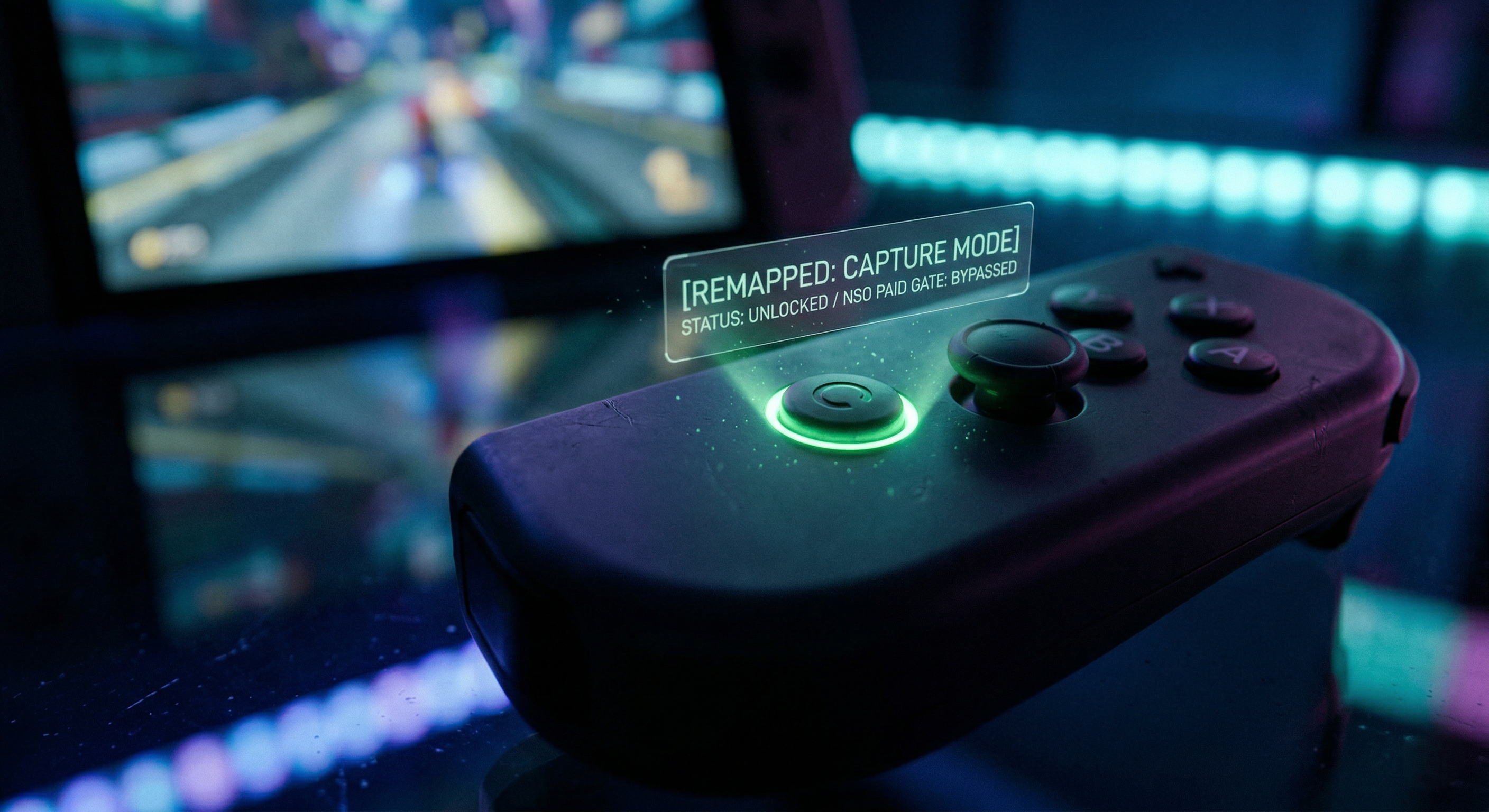
Let’s move on to the most controversial piece of plastic on the entire console: the brand new “C” button located on the right controller. If you press this button, it functions as a hardware-level launcher for “GameChat,” Nintendo’s built-in answer to Discord.
GameChat lets you jump into voice calls with up to 11 friends, share your screen, and even use a new $54.99 wide-angle camera accessory to video chat right from your living room. When Nintendo first showed this off, the internet laughed because the screen-sharing was running at an absolutely miserable 10 frames per second. Thankfully, recent system updates have bumped that up to a much more usable 20 to 25 frames per second, making it actually functional.
But here is where things get genuinely shady. GameChat is a totally closed, walled garden. You cannot talk to your friends on PC or PlayStation like you can with Discord. Worse yet, after a brief trial period ended in April 2026, Nintendo locked this basic communication feature entirely behind the Nintendo Switch Online (NSO) paid subscription paywall.
That means there is a physical button permanently attached to your $450 controller that does absolutely nothing unless you pay Nintendo a monthly fee. It’s basically an un-remappable advertisement for their subscription service. Consumer protection agencies, like the FTC, have been cracking down hard on sneaky subscription tactics and mandatory fees under its revived “Click to Cancel” rulemaking initiatives, and locking hardware functionality behind a paywall feels like it’s crossing a major legal line.
How to Remap the C-Button Today
Gamers are incredibly resourceful, and the community has already figured out how to completely bypass this annoying limitation without voiding your warranty. If you refuse to pay for GameChat, you don’t have to live with a useless button. Here is exactly how you fix it right now:
- Turn on your Switch 2 and go to the HOME Menu.
- Navigate to System Settings.
- Scroll down and select Accessibility, then click on Button Mapping.
- Select your Right Joy-Con 2.
- Scroll down to the C-Button option.
- From here, you can remap it to whatever you want!
Most professional players are remapping it to be an extra Capture button for taking instant screenshots. If you play massive RPGs, you can set it to an “Auto-Run” macro to save your thumbs, or use it as a rear-view mirror button in racing simulators. By spending thirty seconds in the accessibility menus, you can take control of your hardware and turn a corporate paywall into the most useful button on your controller.
Written by Rahul
A dedicated lore-diver and meta-analyst who breaks down everything from indie visual novels to high-tier esports. Follow him on X/Twitter for daily gaming intel.